I thought I'd take a moment, since several people have asked, to share with you some of my favorite FREE online "gadgets". These are in no particular order other than the order I remembered them in....
1. Microsoft Live Writer - This is the program I use to write my blog. I LOVE it. It allows me to drag and drop my pictures into my blog and shows me what it's going to look like so I never have to worry about uploading my blog and finding the pictures all over the place. There are a ton of fun fonts and other Plug-ins you can add, like making your pics look like Polaroids or inserting your pics directly from Facebook.

2. Microsoft Picture Resizer - This handy little plug-in lets me resize my pictures simply by right clicking on the thumbnails and picking resize. I can then pick from Large, Med, Small, & XSmall. All of which are MUCH faster to upload than a full size photo. These resized photos are perfect for your blog & Facebook. They don't take up much memory and if people steal them they're too small to reprint. Looking at them you'd never know, they look no different on your screen.
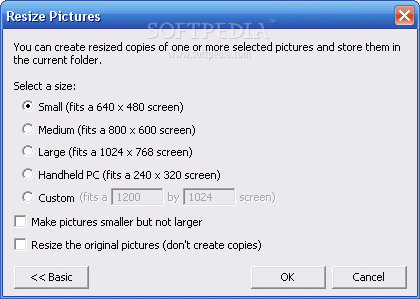
Click HERE to get it or learn more.
3. Craigslist Picture Viewer - I can NOT say enough about this handy plug-in!! I know that there are a few of you out there addicted to Craigslist and you spend hours on there clicking on each line that says it has a picture. What if you never had to click on those again to see the pic but it was just right there when you opened the list. Right next to the ad title! Now you can skim those pages in minutes and even find things you wouldn't have found because the ad name was funky.

Click here to learn more and download
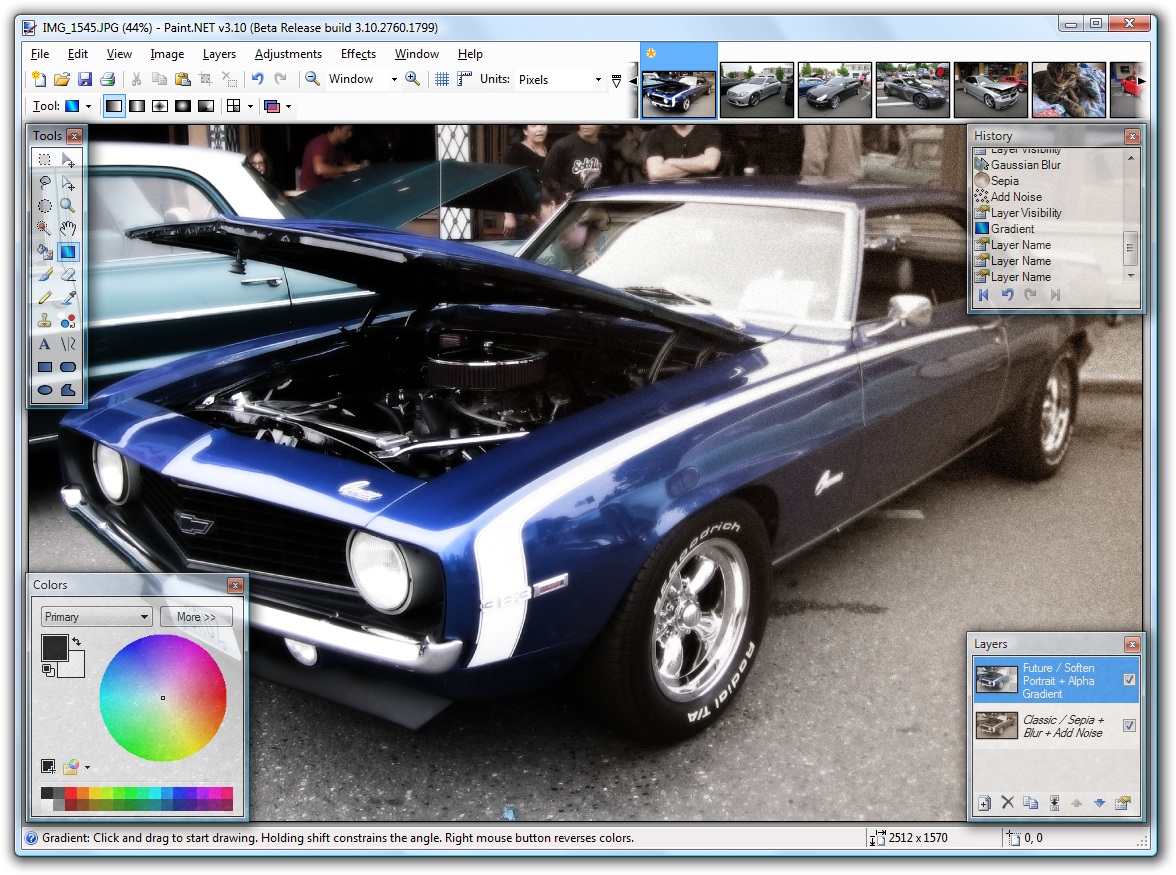
4. Paint.net & Gimp - Can't afford Photoshop?? Want to do cool things with your photos?? Try Paint.net and/or Gimp. Both are Photoshop like programs that are FREE!! They can do AMAZING things and I know several photographers that use them exclusively.


3 comments:
I've been wondering how you got your pictures to size and organize like that. awesome!!! thanks for sharing!!!
Awesome info! Thanks for sharing!
I love all of these! One question... when you resize your pictures, do you resize the original or make a copy? It takes me forever to upload pictures, but I didn't want to resize all my originals.
Post a Comment